


My Live Chat Plugin for Blogger provides an easy way to integrate your Blogger page with the LiveChat solution. My LiveChat is a free, fast, high performance and most user-friendly live chat solution. It allows you to live chat with website visitors, monitor site traffic, and analyze visitors' web activities, including their search engine and keyword usage.
Step 1. Copy MyLiveChat Code
Login mylivechat web console, click Deployment menu on the left. Choose Embedded Chat tab and copy mylivechat code.
Step 2. Open Template Editor in your Blogger admin panel and Insert MyLiveChat code
Now login to your Blogger admin panel. You need to:
- Click Template from post list.

- Click Edit HTML to edit your current template.

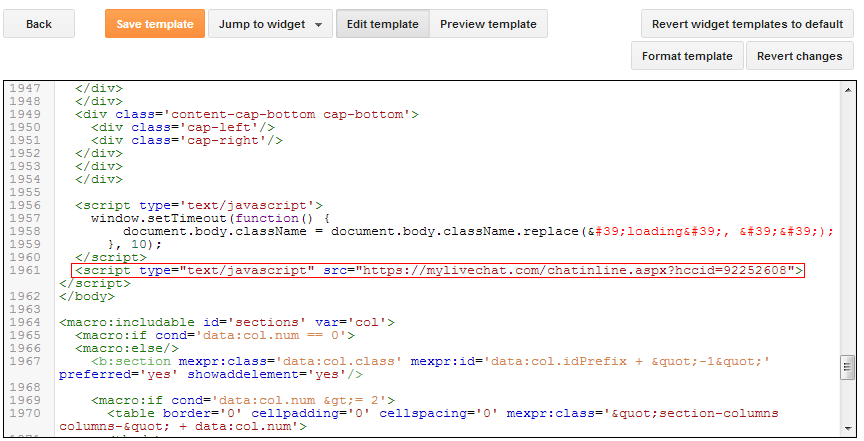
- Insert MyLiveChat code(chat button/chat box/chat text link) at the place in body section you want to have your MyLiveChat displayed.
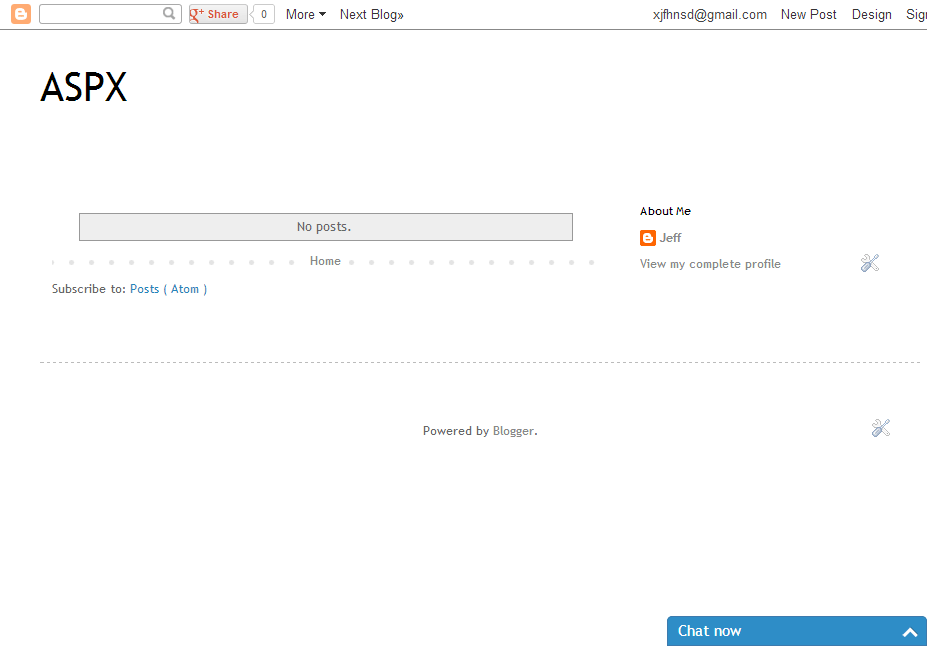
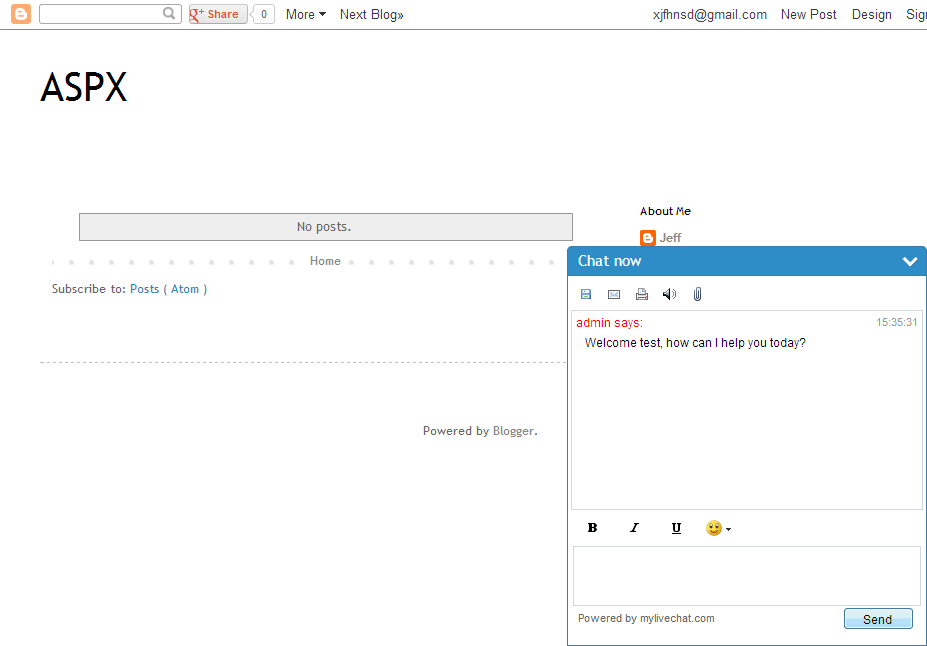
Preview
What's next?
To start chatting with your customers, install desktop agent console or use web agent console.
Any questions?
We're always willing to help you. If you have any questions, please contact us using LiveChat button on top of this page or visit the Support page.



0 Comments